 by
by
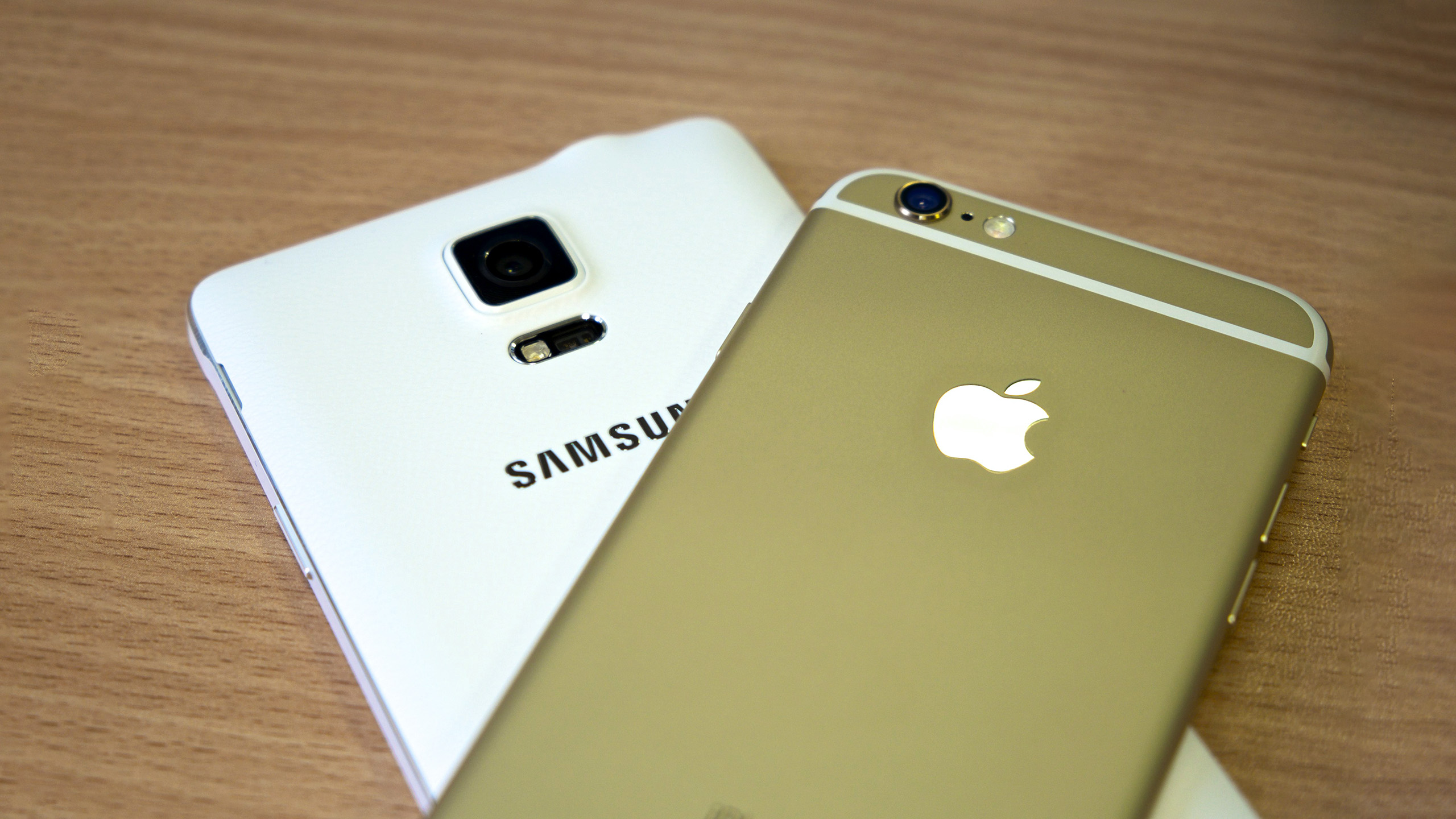
Most owners of modern gadgets perceive the back panel only as a decorative element or a platform for placing a brand logo. However, you only need to tear yourself away from the bright display for a moment to realize that the “rear” of the device acts as a complex engineering shield. This is not just a cover, but a high-tech shell, the integrity of which determines the survival of the internal components. If the front part is responsible for interaction, then back covers for phones are responsible for stability, safety, and physical endurance. When the first crack appears on it, it is not just a cosmetic defect, but a signal of a violation of the tightness and structural strength of the entire device.
More than a facade: hidden talents of body parts The back cover of a modern smartphone is a multi-layered structure that combines physical protection and functional support.
It is integrated into the overall cooling and signal transmission scheme, so any change in material (for example, replacing glass with plastic) can significantly affect the operation of the device. Apart from visual aesthetics, this part is responsible for a whole range of critical tasks.Key technical duties of the back panel:
If you notice that the back panel has started to “peel off” or a characteristic bulge has appeared, this is a critical symptom. Chemical processes inside the battery create excess pressure that pushes the cover outward. Using the smartphone in this condition is dangerous, as any impact could cause a fire.Signs that the panel needs immediate replacement:
Overheating can damage internal components, while insufficient heating will lead to damage to the frame during disassembly. Special attention is paid to preserving functionality. When replacing, it is necessary to carefully transfer the flash diffusers, camera lens glass, and, on some models, proximity or fingerprint sensors from the old panel. It is important to use high-quality consumables: the gaskets (stickers) must exactly match the contour of the body to restore at least basic dust protection. After installing the new part, the device must be kept under a special press for several hours to ensure the adhesive layer is securely fixed. Only this approach guarantees that the smartphone will look and work like new again, without creaks or play.